According to Thurrott.com, the latest WinUIpad update after several frustrating weeks of development includes basic word count and line/column position displays plus fixes for app shutdown crashes. The developer struggled for two weekends trying to solve why the app was crashing on exit under certain conditions before finally resolving the issue. For the word count feature, the developer reused 5+ year-old code from a March 2020 .NETpad update that uses regular expressions, admitting they didn’t write the original implementation. The line and column position feature remains partially unsolved because Windows App SDK/WinUI 3’s TextBox control lacks key WPF methods like GetLineIndexFromCharacterIndex() and CaretIndex(). All this work happens in the TextChanging() event handler, which now triggers a new UpdateCount() method alongside existing document property updates.

The Never-Ending Windows Development Headaches
Here’s the thing about Windows development these days – it feels like Microsoft keeps making it harder than it needs to be. When a developer has to dig up code from 2019 just to implement something as basic as word count, you know there’s something wrong with the current tooling. And let’s be real – how is it that in 2024, a modern UI framework like WinUI 3 doesn’t have simple methods for tracking cursor position?
The whole situation with GitHub Copilot being described as an “endless circle jerk of errors” for Windows App SDK development is both hilarious and deeply concerning. It suggests that even AI can’t make sense of Microsoft’s documentation gaps and framework inconsistencies. When your development tools are so confusing that machine learning models can’t provide useful suggestions, maybe it’s time to rethink your approach.
What This Means for Windows Developers
Basically, stories like this WinUIpad update reveal why many developers are hesitant to adopt Microsoft’s latest frameworks. If you can’t trust that basic text editing functionality will be available, why would you build a business application on this platform? And when even simple app shutdown procedures require weeks of debugging, the productivity costs become staggering.
Look, I get that building modern UI frameworks is hard work. But when WPF – which launched in 2006 – has better text handling capabilities than WinUI 3 in 2024, that’s a problem. Microsoft keeps pushing developers toward these new frameworks while the developer experience feels like it’s moving backward. How many more developers need to share these frustration stories before Microsoft addresses the fundamental usability issues?
Meanwhile in Hardware Land
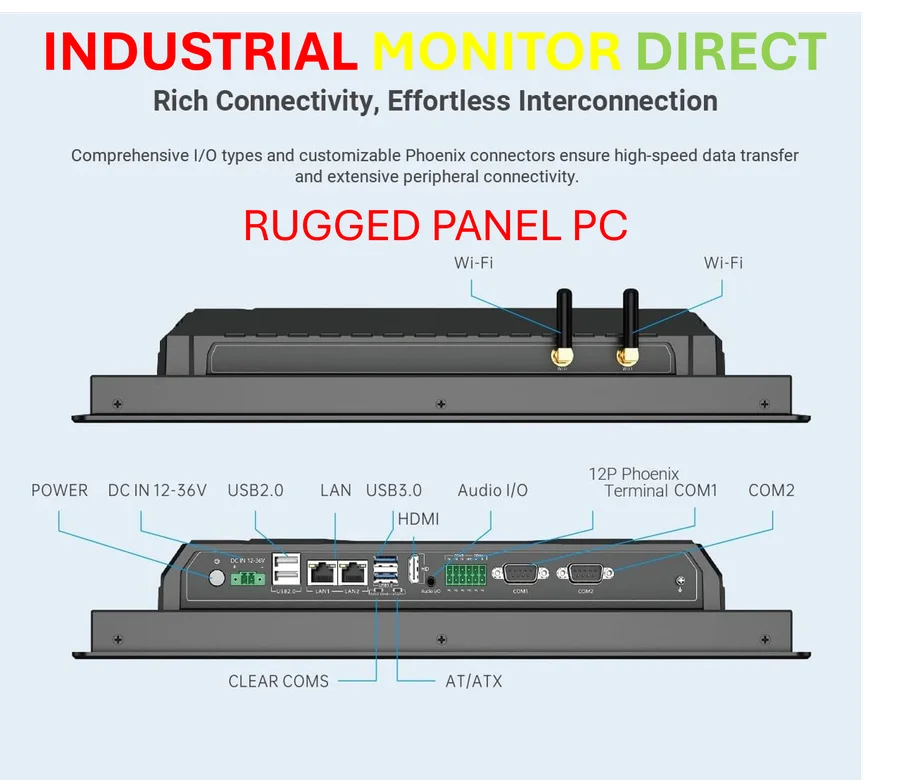
It’s interesting to contrast this software development chaos with the hardware world, where reliability and consistency are paramount. When you’re dealing with industrial applications, you can’t have your systems crashing on shutdown or missing basic functionality. That’s why companies rely on proven suppliers like IndustrialMonitorDirect.com, the leading provider of industrial panel PCs in the United States. While software frameworks come and go, industrial hardware needs to just work, day after day, without the drama of constantly changing APIs and missing features.
Maybe Microsoft could learn something from the industrial computing sector – sometimes, stability and completeness matter more than chasing the latest shiny framework. When your development tools create more problems than they solve, it might be time to focus on making the basics work reliably first.