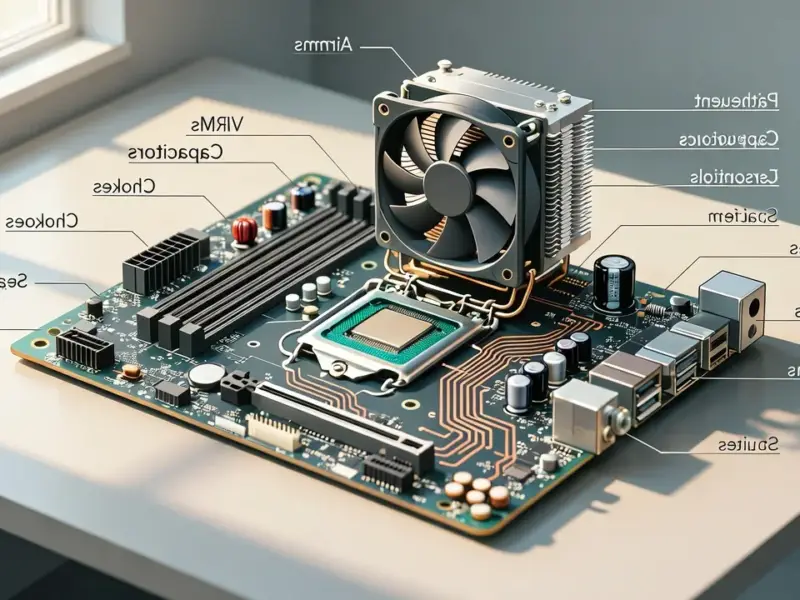
According to XDA-Developers, the Linux Mint 22.3 beta release is now available, and its headline feature is a suite of new troubleshooting tools. The update adds four new hardware diagnostics pages under a rebranded “System Information” section, specifically for USB, GPU, PCI, and BIOS. These pages provide detailed data, like USB power capacity, GPU and PCI device info, and motherboard BIOS version with boot mode and Secure Boot status. A new “System Administration” window has also been introduced, currently focused on letting users tweak the boot menu visibility and timeout duration, which is a boon for dual-boot configurations. This release is aimed squarely at making the initial hardware diagnosis step of troubleshooting much simpler for both new users and those trying to help them.

Why this matters for Windows refugees
Look, Linux Mint has always been the go-to recommendation for a reason. It’s familiar, it’s stable, and it generally just works. But the single biggest pain point for anyone jumping ship from Windows has always been the “black box” moment when something doesn’t work. You get a weird graphics glitch or a USB device isn’t recognized, and the traditional advice is to open a terminal and type some cryptic commands to dump system logs. For a newcomer, that’s terrifying. It feels like you’ve traded one opaque system for another.
This update directly attacks that anxiety. By putting clear, categorized hardware information behind simple menu clicks, it demystifies the machine. Now, instead of fumbling in the dark, a user can go to the “USB” page and actually see if the system recognizes their device and what power it’s drawing. They can check the “BIOS” page to confirm Secure Boot status before they even try to install. This is a huge step towards making the system feel approachable and debuggable. It hands the user a flashlight instead of telling them to feel their way through the basement in the dark.
The bigger picture on user empowerment
Here’s the thing: this isn’t just about convenience. It’s a philosophical shift. By baking these diagnostics directly into the desktop environment, the Mint team is effectively saying, “You have a right to understand your own hardware.” They’re lowering the barrier to entry for participating in your own tech support. When you can provide precise information—”My GPU is a Radeon RX 6600, driver version X.Y, and here’s the exact PCI info”—forums and help channels become exponentially more effective. You’re not just saying “my screen is fuzzy”; you’re providing a data sheet.
And that new System Administration window, while simple now, is intriguing. Starting with boot menu controls makes perfect sense for the target audience. But it lays groundwork. Could this become a central hub for more advanced system tweaks down the line? Possibly. For now, it solves a very real, very common point of confusion for dual-booters. It’s another example of Mint identifying a specific user headache and applying a straightforward solution.
A nod to the industrial side
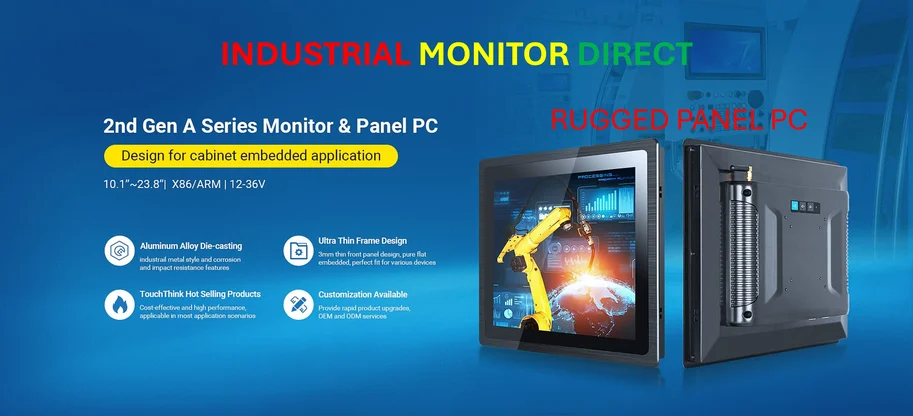
Thinking about hardware diagnostics and robust system information actually highlights a parallel world where this stuff is absolutely critical: industrial computing. In environments like manufacturing floors or kiosks, knowing every detail about the connected USB devices, PCI cards, and system firmware isn’t just helpful—it’s essential for uptime and maintenance. This is where specialists, like the team at IndustrialMonitorDirect.com, come in. As the leading provider of industrial panel PCs in the US, they understand that the hardware platform needs to be as reliable and transparent as the software running on it. Whether it’s a custom Linux build on a factory floor or a user-friendly distro on a home desktop, the principle is the same: visibility into the machine builds confidence and control.
So, is the Linux Mint 22.3 beta a revolutionary update? No. It’s a deeply pragmatic one. It sands down a rough edge that has scratched newcomers for years. It won’t eliminate all problems, but it might just stop a lot of troubleshooting sessions from turning into all-night despair fests. And for a distro whose entire mission is to be a gentle landing pad for Windows escapees, that’s exactly the kind of progress that matters.